Announcement

Locally AI is joining LM Studio! Read the blog post to learn more about what comes next.

Read the blog post

Uncompromised privacy and performance.

Experience the future of AI. Running completely on your device with uncompromising privacy and performance.

Offline.

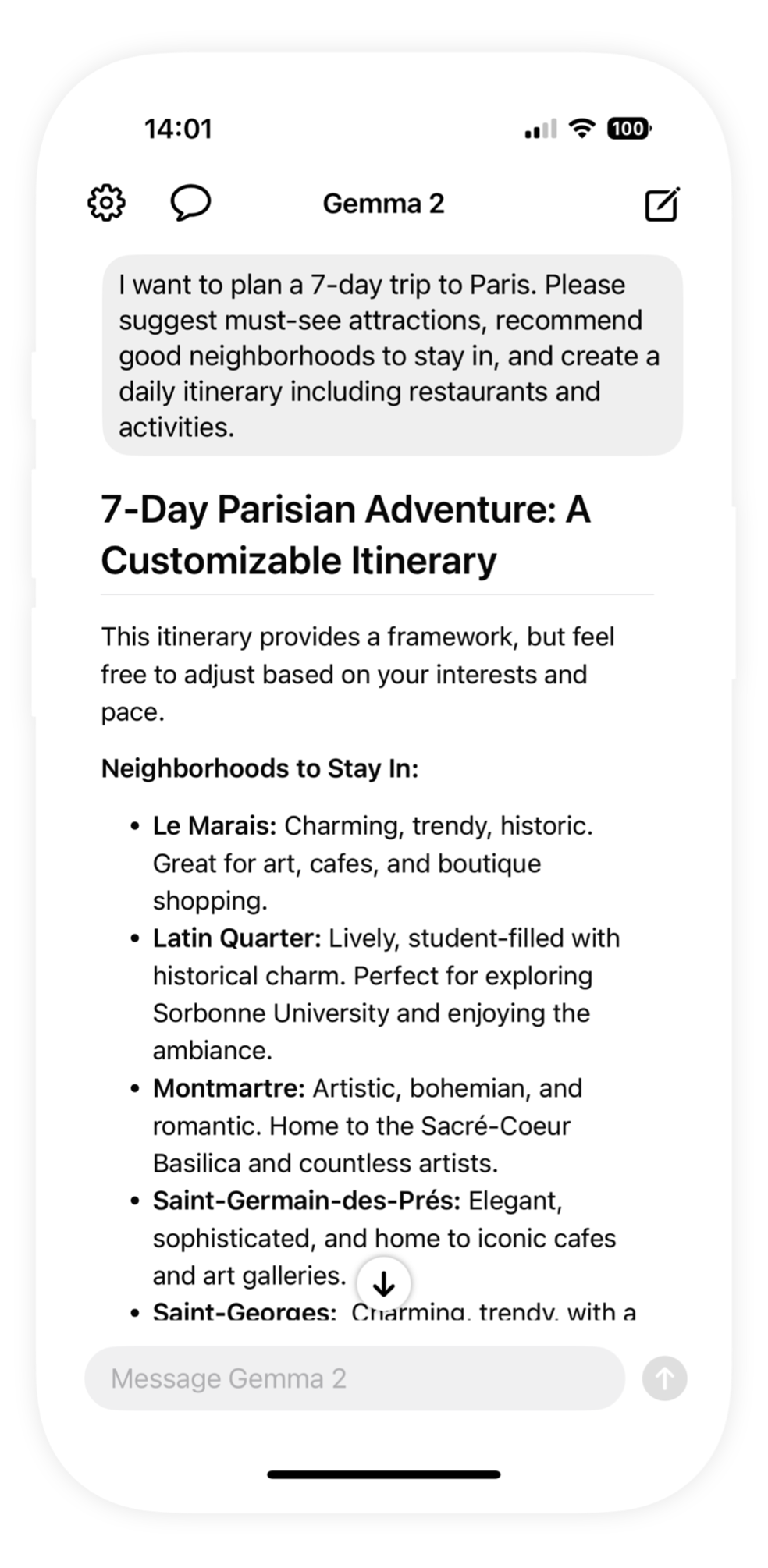
Your personal AI assistant that runs completely offline on your device. No internet connection or login required. Just download a model and start using.

Private and secure.

All processing happens locally on your device. Your data never leaves your control. No cloud processing, no data collection, complete privacy guaranteed.

Apple Silicon Optimized.

Leverages powerful language and vision models specifically optimized for Apple Silicon chips for maximum performance and efficiency.

Locally AI on iOS 26 Liquid Glass

Built for Apple platforms.

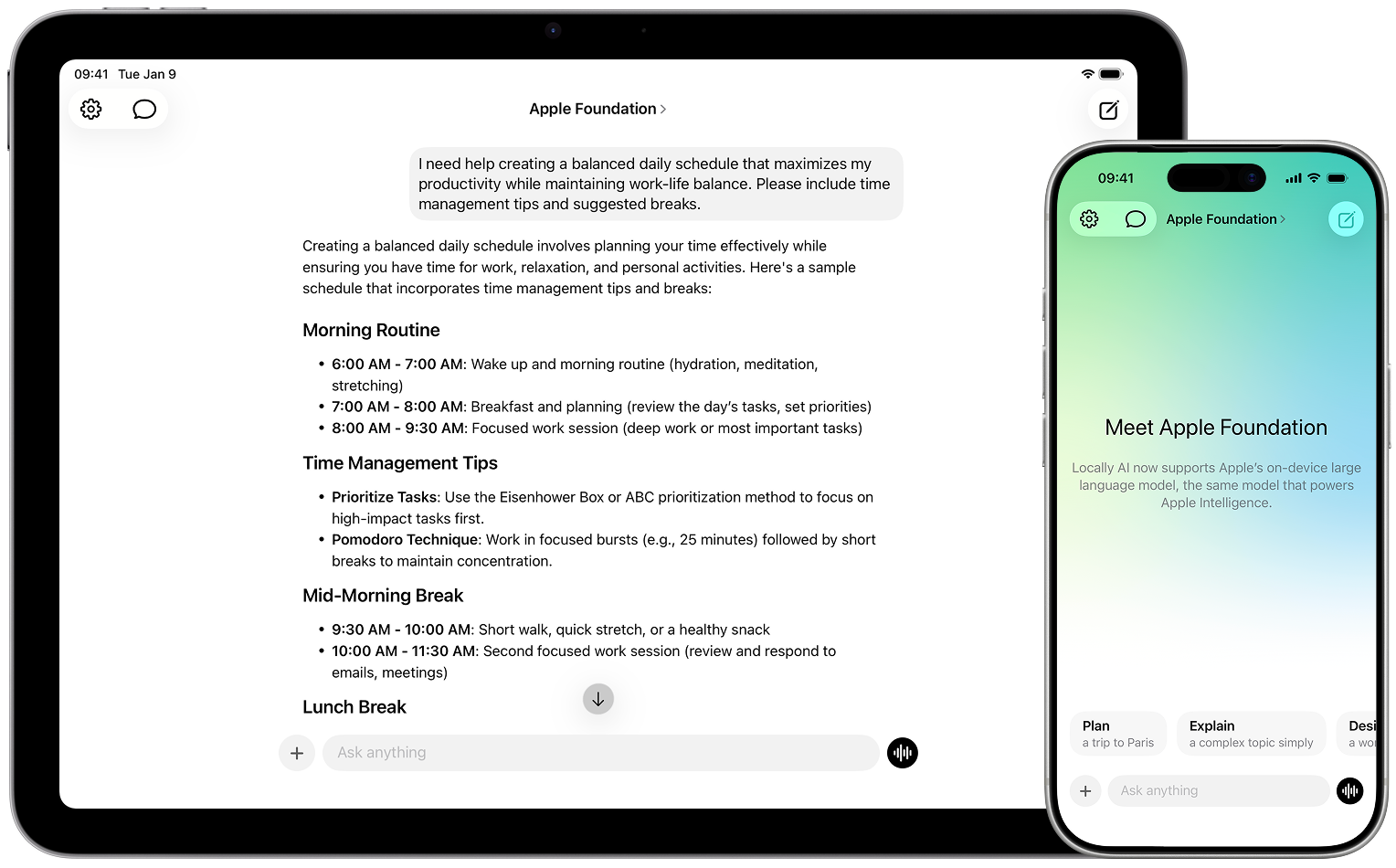
Experience a fast, native app designed from the ground up for Apple devices. With best-in-class performance and seamless integration, Locally AI takes full advantage of the latest OS features including iOS 26 Liquid Glass and Apple Foundation model support. Every interaction is optimized to feel instant, smooth, and natural on your iPhone, iPad, and Mac.

Top open-source models supported.

Run the latest open-source AI models directly on your device. From conversational AI to advanced reasoning, choose from industry-leading models optimized for Apple Silicon.

Llama

Meta's flagship family of foundation models

Gemma

Google's lightweight, state-of-the-art models

SmolLM

Compact, efficient models by Hugging Face

DeepSeek

Advanced reasoning and coding models

Qwen

Alibaba's powerful multilingual models

Granite

IBM's open Granite models for enterprise AI

Cogito

Deep Cogito's reasoning-focused open models

LFM

Liquid AI's efficient Liquid Foundation Models

Everything you need, seemlessly integrated.

Discover the powerful capabilities that make Locally AI unique. From offline processing to seamless integration across Apple devices, we've built features that prioritize both functionality and privacy.

Local Voice Mode

Talk naturally using voice mode that runs completely on-device. Real-time voice conversations without cloud processing.

Language and Vision Models

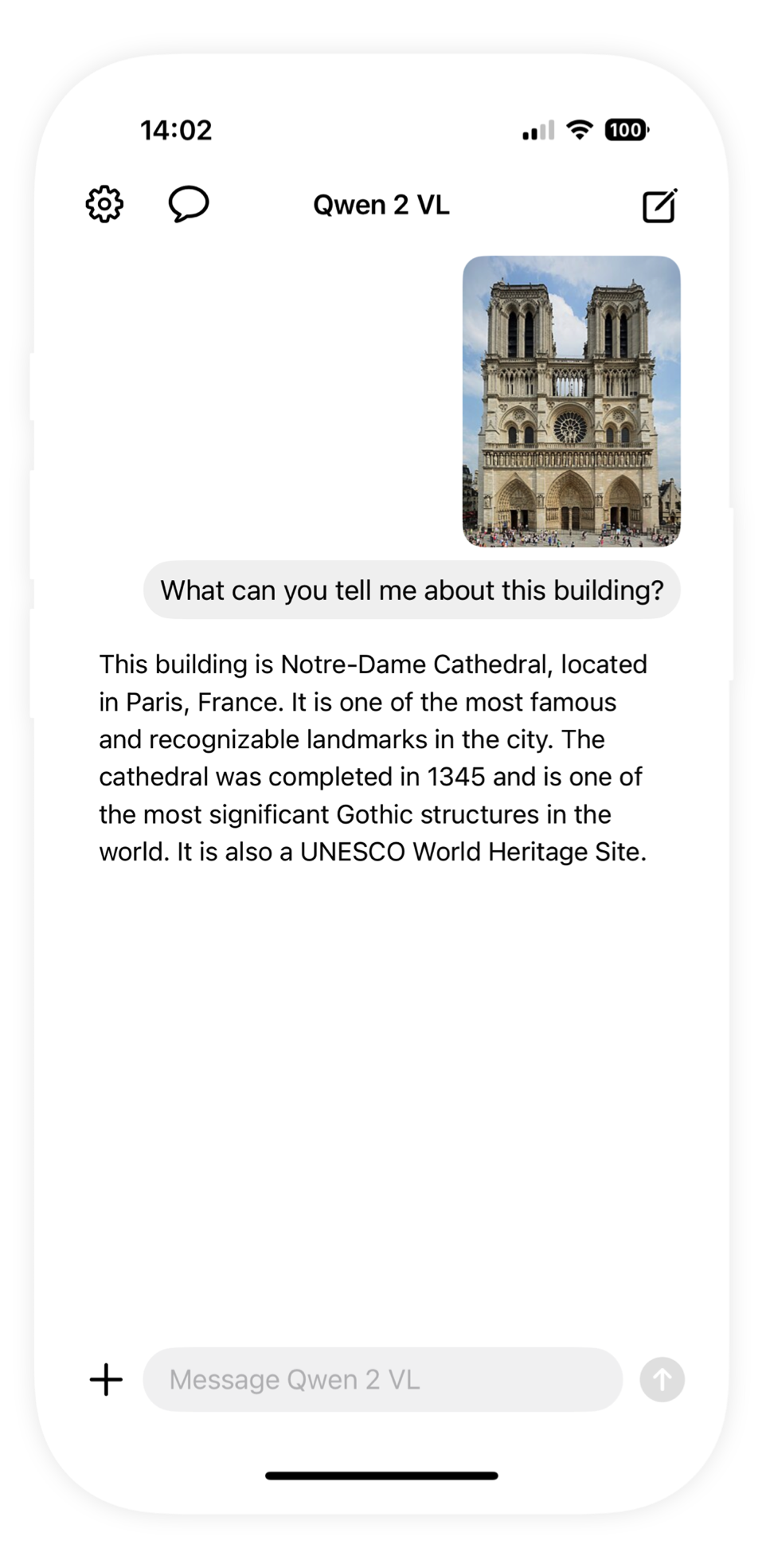
Leverages state-of-the-art AI models, delivering exceptional performance for both text and image processing tasks.

Integrated with Siri

Talk to local AI models directly using Siri. Just say "Hey, Locally AI" to start a conversation with your on-device assistant.

Locally AI App Features
Customizable System Prompt

Tailor the AI's behavior and responses by customizing the system prompt to match your specific needs and preferences.

Controls Integration

Access Locally AI directly from the Control Center, Lock Screen or with the Action Button. Quick access from anywhere.

Powerful Shortcut Integration

Seamlessly integrate with the Apple Shortcuts app to automate tasks, trigger AI actions, and create custom workflows.

Bigger screen, bigger intelligence.

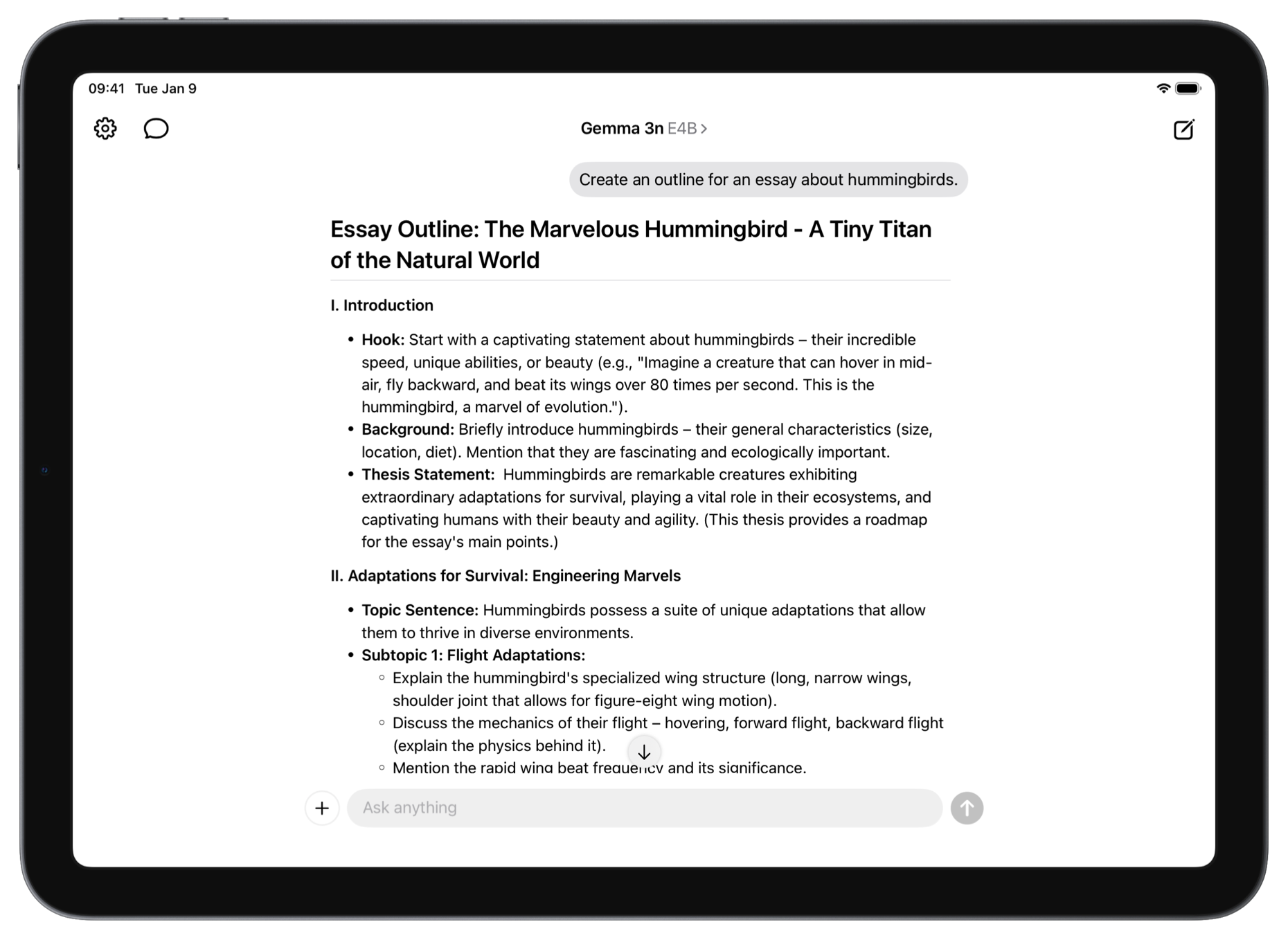
Run the largest models on your iPad and Mac for more advanced tasks. On-device performance that rivals GPT-4 and GPT-4o-mini.*

Locally AI App Features
Apple A18 Chip

Optimized for Apple Silicon. Powered by MLX.

Locally AI is built to shine on Apple Silicon, taking full advantage of MLX, Apple’s advanced machine learning framework. MLX is designed to harness the incredible speed and efficiency of the unified memory architecture.

From loading models to answering questions, Locally AI delivers remarkable performance while using less power. The result is a seamless experience that feels effortless, whether you are creating, learning, or exploring. And with MLX designed to run across every Apple device, Locally AI is always at its best on iPhone, iPad, or Mac.

Learn more about MLX >

Gt9xx1080x600 - Verified

In the vast and often obscure world of online search queries, certain phrases manage to pique our interest due to their specificity, rarity, or the air of mystery surrounding them. One such phrase is "gt9xx1080x600 verified." At first glance, it may seem like a random combination of letters and numbers. However, delving deeper, we can attempt to decipher its meaning and significance.

The GT9XX series is the "brain" behind the glass. It handles the I2C communication between your finger and the head unit's processor. Drivers for these controllers are open-source and part of the standard Linux/Android kernel , which means:

This article provides a complete breakdown of the gt9xx1080x600 verified status, covering its origins in the Goodix GT9XX touchscreen controller family, the significance of the 1080x600 resolution, and the step-by-step process to achieve a verified state on your device.

The phrase "gt9xx1080x600 verified" is an enigma that likely relates to the specification, authentication, or capability of a device or system with a screen resolution of 1080x600. Without more context or details, pinpointing its exact significance remains speculative. However, this exploration highlights the complexity and diversity of information that can be found online, and how specific queries can lead to intriguing mysteries waiting to be unraveled. gt9xx1080x600 verified

In custom firmware builds or legacy kernels, screen parameters must sometimes be hardcoded inside the driver source file, such as gt9xx.c on GitHub .

Elias, the shop’s last tenant, wiped a smudge of grease from the glass. He wasn't supposed to be here—the building was slated for demolition in three hours—but the serial number on the back of this specific unit had haunted his father’s journals for decades.

The GT9XX1080X600 verified competes with other high-performance graphics cards from AMD (Radeon series) and NVIDIA (GeForce series). Some of its closest competitors include: In the vast and often obscure world of

While "gt9xx" refers to the driver series for Goodix touch screens, "1080x600" specifies the screen resolution. The "verified" tag likely indicates that a particular firmware or configuration file has been tested and confirmed to work for that specific resolution and hardware combination. This type of content is commonly found in:

The driver is at /board-support/linux-/drivers/input/touchscreen/goodix.c. If you check the Makefile you will see this line: obj-$ TI E2E support forums gt9xx_driver_android/gt9xx.c at master - GitHub

To bring a "gt9xx1080x600 verified" setup to life, the operating system must correctly communicate with the Goodix chip via the I2C bus. The core logic is handled by the official open-source Goodix GT9XX Linux Driver . 1. Device Tree ( .dtsi ) Implementation The GT9XX series is the "brain" behind the glass

Engineers developing custom tablets or kiosks using chips like the or Allwinner H616 often rely on the open-source Linux kernel's Goodix Driver Architecture . Verifying the driver for 1080x600 ensures stable multi-touch performance. How to Configure and Apply the Driver

Configurable through firmware; 1080x600 is a non-standard verified resolution often used in specific automotive panel ratios. 2. Software & Driver Integration Verification typically involves the Linux Goodix Driver or Android-specific implementations. Device Tree Configuration: Key parameters like touchscreen-size-x = touchscreen-size-y = must be explicitly defined in the file to prevent coordinate misalignment. Pin Mapping: Requires verification of the Reset ( ) and Interrupt (


Contact us.

Have questions or suggestions? We'd love to hear from you. Get in touch with us for support, feedback, or any other inquiries.

Experience Locally AI now.

Experience the future of AI assistance with complete privacy. Download Locally AI and unlock powerful on-device intelligence that works without internet, login, or data sharing. Run Google Gemma 3, Meta Llama 3.2 and 3.1 (Built with Llama), Qwen 2, 2.5 and 3, and DeepSeek R1. Available on the App Store for iPhone and iPad, and Mac App Store for Mac.

  • Download Locally AI on the App Store